What counts as an AI CRM in 2026?
An AI CRM in 2026 is more than a contact database with a chatbot bolted on. The strongest platforms help teams capture leads, score opportunities, summarize calls, automate follow-ups, clean records, route work, forecast revenue, and trigger actions across sales, support, marketing, and hiring workflows.
That matters because customer data is no longer limited to form fills and email notes. Your team may be dealing with calls, SMS, meetings, demos, chat, job candidates, support tickets, renewals, and partner relationships. The right CRM should make that work easier to act on, not harder to maintain.
This guide compares 12 AI CRM and CRM-adjacent platforms for 2026. Some are classic sales CRMs. Some are customer engagement or hiring systems that behave like specialized CRMs. The goal is to help you choose based on workflow fit, not hype.
Quick comparison: best AI CRM tools in 2026
| Tool | Best for | AI strength |
|---|---|---|
| HubSpot Smart CRM | Growing teams that want CRM, marketing, sales, and service together | AI assistance across customer data and workflows |
| Salesforce Einstein / Agentforce | Enterprise teams with complex data and process needs | Agentic workflows grounded in customer data |
| Zoho CRM with Zia | Cost-conscious teams that want CRM plus broad business apps | Reports, setup help, workflow suggestions, and generative AI |
| Pipedrive | Sales teams that want a simple visual pipeline | Deal insights, automation, and AI-assisted sales activity |
| Freshsales | Sales teams that want built-in phone, email, and AI support | AI-powered selling, productivity, and insights |
| monday CRM | Teams that want CRM inside a flexible work platform | AI agents and workflow automation across departments |
| Attio | Startups and GTM teams that want a modern customizable CRM | Agentic revenue workflows and flexible data models |
| Jatura | Hiring teams that need AI recruiting plus applicant tracking | AI sourcing, screening, scheduling, and hiring workflows |
| Nutshell | Small businesses that want practical sales automation | Lead scoring, task automation, and sales recommendations |
| Close | Inside sales teams that live in calls and outreach | Sales productivity around calling, email, and pipeline work |
| Copper | Google Workspace-centric teams | Relationship data capture and workflow assistance |
| Capsule CRM | Simple relationship management for SMBs | Practical AI assistance without heavy enterprise setup |
1. HubSpot Smart CRM
HubSpot is one of the strongest all-round choices for teams that want CRM, marketing, sales, service, content, and automation in one ecosystem. HubSpot describes its Smart CRM as a way to unify customer data, teams, and tech stacks, with AI used to analyze calls, meetings, emails, and work that needs attention.
Best fit: startups, SMBs, and mid-market teams that want one customer platform instead of stitching together many tools.
Watch out for: costs can rise as you add hubs, seats, automation, and advanced reporting.
2. Salesforce Einstein and Agentforce
Salesforce remains the enterprise standard for teams that need deep customization, governance, analytics, integrations, and complex workflows. Its AI positioning now centers on agentic work: AI that can act across trusted customer and business data.
Best fit: larger teams with dedicated operations resources and mature data processes.
Watch out for: AI quality depends heavily on clean data, implementation discipline, and adoption. If the CRM is already messy, AI can amplify the mess.
3. Zoho CRM with Zia
Zoho is attractive for teams that want CRM connected to a broader suite of business apps. Zoho's Zia AI can help create modules, reports, workflows, and retrieve CRM information. For budget-sensitive teams, Zoho can provide a lot of capability without Salesforce-level cost or complexity.
Best fit: teams that want CRM, email, projects, finance, support, and operations under one vendor.
Watch out for: the breadth is powerful, but teams need clear ownership so the setup does not sprawl.
4. Pipedrive
Pipedrive is built around a visual sales pipeline. It is a strong fit when the main goal is to help reps track deals, schedule follow-ups, and move opportunities through clear stages. Pipedrive highlights AI and automation as part of its sales process, but the product stays focused on sales execution rather than becoming a full customer platform.
Best fit: sales-led SMBs that want a clean pipeline and fast rep adoption.
Watch out for: if you need deep marketing automation, support operations, or custom data models, you may outgrow the simpler approach.
5. Freshsales
Freshsales positions itself as an AI-powered sales CRM. It brings together sales activity, lead capture, communication, and productivity features, with Freshworks' Freddy AI available across parts of the ecosystem.
Best fit: teams that want sales CRM with practical communication features and easier setup than enterprise CRM.
Watch out for: compare the exact AI features available in your plan before committing.
6. monday CRM
monday has moved from work management into an AI work platform, and monday CRM benefits from that flexible workflow foundation. Its 2026 AI positioning emphasizes people and agents working together across departments, including CRM, service, dev, operations, and project work.
Best fit: teams that want CRM connected to project delivery, onboarding, operations, or customer implementation workflows.
Watch out for: flexibility is a strength, but teams should avoid rebuilding a CRM from scratch when a simpler pipeline will do.
7. Attio
Attio is a modern CRM built around flexible data models and a more customizable GTM operating system. It positions itself as an AI CRM for agentic revenue workflows, where the system can help build pipeline, advance deals, and grow accounts.
Best fit: startups, investors, agencies, partnerships teams, and GTM operators who want a CRM that adapts to their model.
Watch out for: highly customizable systems still need strong naming, ownership, and hygiene rules.
8. Jatura
Jatura is not a traditional sales CRM. It is an AI recruiter and applicant tracking system that sources, screens, schedules, and helps teams hire. That makes it worth including for companies where hiring is a relationship pipeline: candidates, roles, interviews, hiring standards, notes, follow-ups, and reporting.
Think of Jatura as a specialized AI CRM for recruiting workflows rather than customer sales. If your growth bottleneck is hiring sales reps, support agents, recruiters, or operators, Jatura may be more useful than forcing candidate management into a general CRM.
Best fit: startups and hiring teams that want AI recruiting, applicant tracking, interview kits, automations, career sites, and hiring analytics in one workflow.
Watch out for: do not choose Jatura as your sales CRM. Choose it when the relationship pipeline you need to manage is talent and hiring.
9. Nutshell
Nutshell is a practical CRM for small businesses that want sales automation without heavy setup. AI CRM guides often highlight it for lead scoring, automation, recommendations, and reducing manual work for smaller sales teams.
Best fit: small businesses that want useful CRM automation without the complexity of enterprise platforms.
10. Close
Close is popular with inside sales teams because the product is built around calls, email, and high-velocity sales activity. For teams that prospect heavily, the CRM has to keep reps in the flow of communication.
Best fit: outbound and inside-sales teams where calls and follow-up speed are central to revenue.
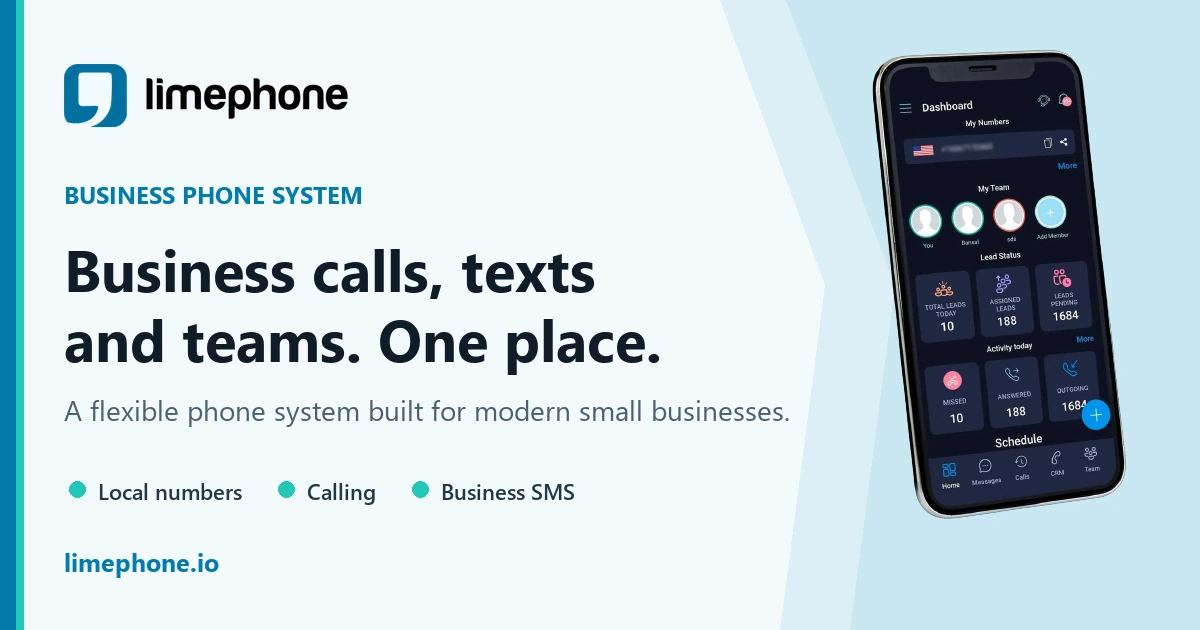
LimePhone note: if phone calls are central to your CRM workflow, pair your CRM with dedicated business numbers so sales conversations do not disappear into personal phones.
11. Copper
Copper is a good fit for teams that live inside Google Workspace and want CRM activity to connect closely with Gmail, Calendar, and relationship records.
Best fit: Google Workspace teams that want a lighter CRM experience.
12. Capsule CRM
Capsule CRM is a simple relationship CRM for teams that do not need a heavy enterprise system. It is often a good fit for professional services, small sales teams, and relationship-led businesses.
Best fit: small teams that value simplicity, contact history, tasks, and relationship tracking.
How to choose the right AI CRM
Use this checklist before buying:
- Define the relationship pipeline. Are you managing leads, deals, customers, candidates, partners, renewals, or support cases?
- Choose the source of truth. Decide where calls, SMS, emails, meetings, and notes should live.
- Check AI inputs. AI is only useful if the CRM has clean activity data and permission to use it.
- Test follow-up workflows. Look for reminders, next-best actions, summaries, templates, and ownership rules.
- Verify communication channels. If your team sells or supports by phone, make sure calls and SMS are captured cleanly.
- Plan adoption. The best AI CRM is the one your team actually updates and trusts.
Where LimePhone fits into an AI CRM stack
LimePhone is not trying to replace your CRM. It strengthens the communication layer around your CRM. Sales, support, hiring, and operations teams still need dedicated business numbers, shared access, voicemail, SMS, working hours, and business contacts.
That is especially important when AI enters the workflow. If calls and texts are scattered across personal phones, your CRM and AI tools miss context. A dedicated work phone gives teams cleaner communication data and protects employee privacy.
For teams expanding into new markets, virtual phone numbers can also help segment campaigns, local presence, and ownership by region.
Bottom line
The best AI CRM in 2026 depends on the pipeline you need to manage. HubSpot is strong for all-in-one growth teams. Salesforce is strongest for enterprise complexity. Zoho is broad and cost-effective. Pipedrive is clean for sales teams. Attio is flexible for modern GTM. Jatura is a smart choice when the pipeline is hiring, not sales.
Whatever CRM you choose, do not ignore the phone layer. Calls, texts, voicemail, and business numbers are still where many customer relationships start.