Why business SMS compliance matters more in 2026
Business texting is one of the fastest ways to reach customers, but it is also one of the easiest channels to misuse. In 2026, small teams need to treat SMS as a real customer communication channel, not an informal side conversation from someone’s personal phone.
Carriers, messaging providers, and regulators increasingly expect businesses to identify who is sending messages, why messages are being sent, how customers gave permission, and how customers can opt out. If those basics are missing, messages may be filtered, delayed, blocked, or create legal risk.
This guide is a practical checklist for small teams using business SMS in 2026. It is not legal advice, but it will help you ask the right questions before texting customers at scale.
What is 10DLC?
10DLC stands for 10-digit long code. In plain English, it is the standard type of local phone number many businesses use to send and receive SMS in the United States. A2P 10DLC refers to application-to-person messaging from software platforms or business systems to consumers.
For many business texting use cases, companies need brand and campaign registration so carriers understand who is sending messages and what type of messages customers will receive. Registration helps improve trust and deliverability, but it does not replace consent or good messaging practices.
Who should care about SMS compliance?
You should care if your team sends texts for any of these reasons:
- Appointment reminders
- Sales follow-ups
- Quote or invoice updates
- Support replies
- Delivery or service updates
- Customer onboarding
- Marketing promotions
- Reactivation campaigns
Even if your team sends only conversational texts, you still need a clear process. Customers should know who is texting them, why they are being contacted, and how to stop messages.
The 2026 business SMS compliance checklist
1. Use business numbers, not personal numbers
Customer texting from personal phones creates privacy, ownership, and continuity problems. If an employee leaves, the customer history may leave with them. If a customer opts out, the company may not have a central record. If a manager needs visibility, the conversation is trapped on one device.
Use a dedicated business number through a system like LimePhone Work Phone so conversations belong to the business and can be managed responsibly.
2. Document customer consent
Before sending business texts, define how customers agree to receive them. Consent might come from a web form, checkout flow, appointment booking, support request, signed agreement, or direct customer conversation. The important part is that your team can explain when and why a customer expected a text.
For marketing messages, consent requirements are stricter. Make the opt-in language clear, avoid prechecked boxes, and store the source of consent where your team can find it later.
3. Make your identity obvious
A customer should not have to guess who sent a message. Use a recognizable business number and identify your company in the first message or when context might be unclear.
Example: “Hi Jamie, this is LimePhone Support. We received your request about setting up a work number and can help today.”
4. Explain what customers will receive
If a form asks for a phone number, explain whether the customer will receive appointment updates, support messages, product alerts, marketing texts, or all of the above. Vague consent creates confusion and can hurt deliverability.
A simple opt-in note might say: “By submitting this form, you agree to receive text messages about your request. Reply STOP to opt out.”
5. Honor STOP and opt-out requests
Every business SMS workflow needs an opt-out process. If a customer replies STOP, UNSUBSCRIBE, CANCEL, or another clear opt-out phrase, your team should stop non-essential texting and record that preference.
Do not rely on memory or screenshots. Keep opt-out handling tied to the business number or customer record.
6. Respect quiet hours and local expectations
Texting feels more personal than email. Even when a message is allowed, timing matters. Avoid sending non-urgent business texts late at night or early in the morning in the recipient's local time zone.
For marketing or promotional campaigns, quiet-hour rules may apply. When in doubt, send during normal daytime hours and give customers an easy way to opt out.
7. Keep message content clear and relevant
Carrier filtering is more likely when messages look deceptive, spammy, or unrelated to the customer’s original request. Avoid aggressive claims, misleading links, excessive punctuation, and sudden topic changes.
Good business SMS is specific:
- “Your consultation is confirmed for Tuesday at 2 PM.”
- “We missed your call. Reply here and our support team will help.”
- “Your quote is ready. Would you like us to send it by email?”
Weak business SMS is vague:
- “Huge deal!!! Click now!!!”
- “You have been selected.”
- “Reply YES for more info” with no context.
8. Keep your privacy policy updated
Your website should explain how you collect and use phone numbers, how customers can opt out, and whether you share data with service providers that help deliver messages. This is especially important if you use forms to capture phone numbers for SMS follow-up.
Make sure your privacy policy is easy to find from your website footer and relevant forms.
9. Register the right use case
If your provider requires A2P 10DLC registration, choose a campaign/use case that matches what you actually send. A support-only number should not be registered as a marketing campaign if the messages are transactional. A promotional campaign should not be described as one-to-one support if the business sends offers.
Mismatch between declared use case and actual message content can create approval or deliverability problems.
10. Train your team
SMS compliance is not only a settings problem. People need to know what is allowed, how to reply, when not to text, and how to handle opt-outs. Create a short internal guide with examples of approved messages and messages to avoid.
Common SMS mistakes small teams should avoid
- Texting leads who never asked to be contacted by SMS
- Using personal phones for customer conversations
- Sending marketing texts from a support number without consent
- Ignoring STOP replies
- Using link shorteners that look suspicious
- Sending the same message repeatedly after no response
- Failing to identify the business in the message
- Collecting phone numbers without a privacy policy or opt-in language
A simple compliant texting workflow
Here is a practical workflow for a small team:
- Customer submits a form or contacts your business.
- Your form explains that the customer may receive texts about the request.
- The conversation happens from a business number, not a personal number.
- The first message identifies your business.
- Customer replies are visible to the right teammate or shared inbox.
- Opt-outs are recorded centrally.
- Marketing texts are separated from support or transactional messages.
This approach keeps customer communication faster while reducing operational risk.
How LimePhone helps teams text more responsibly
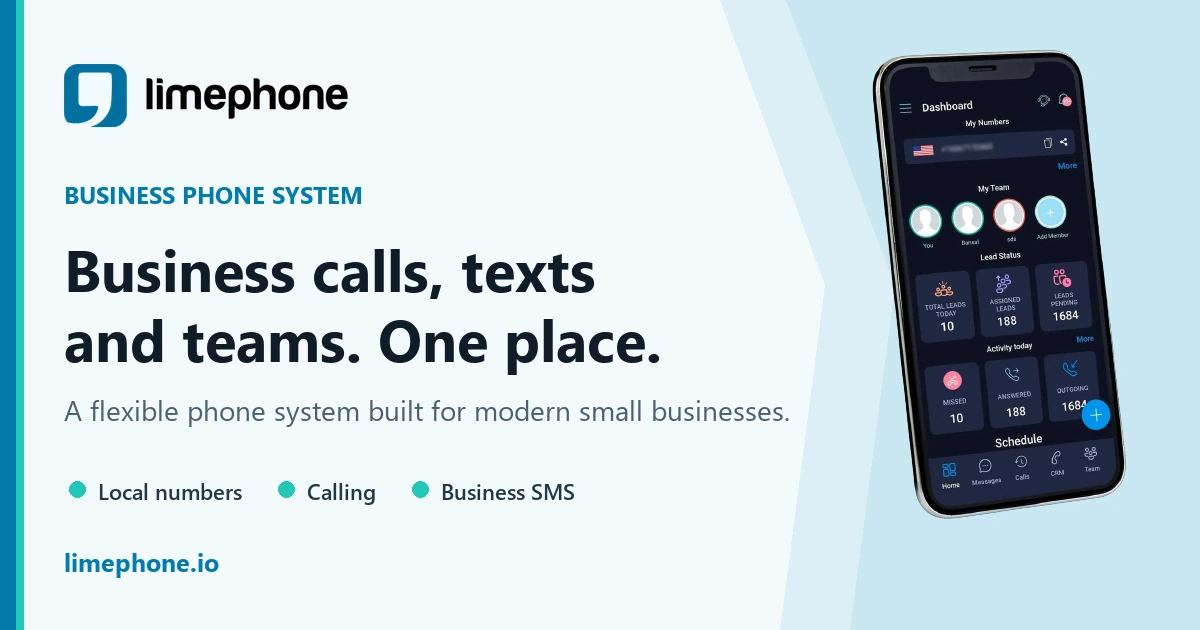
LimePhone gives teams business numbers they can use for customer calls and texts without relying on personal phones. That makes it easier to keep work conversations separate, maintain customer history, assign ownership, and protect employee privacy.
For teams that use SMS, the operational foundation matters: dedicated numbers, shared visibility, working hours, contacts, and clear ownership. Compliance still depends on your policies and use case, but a business phone system gives your team a better place to manage the process.
The bottom line
Business SMS is powerful because it is direct. That is exactly why it needs structure. In 2026, small teams should use business numbers, document consent, honor opt-outs, send relevant messages, and keep customer conversations out of personal phones.
If your team is ready to separate work texting from personal devices, explore LimePhone Work Phone or compare plans on the pricing page.