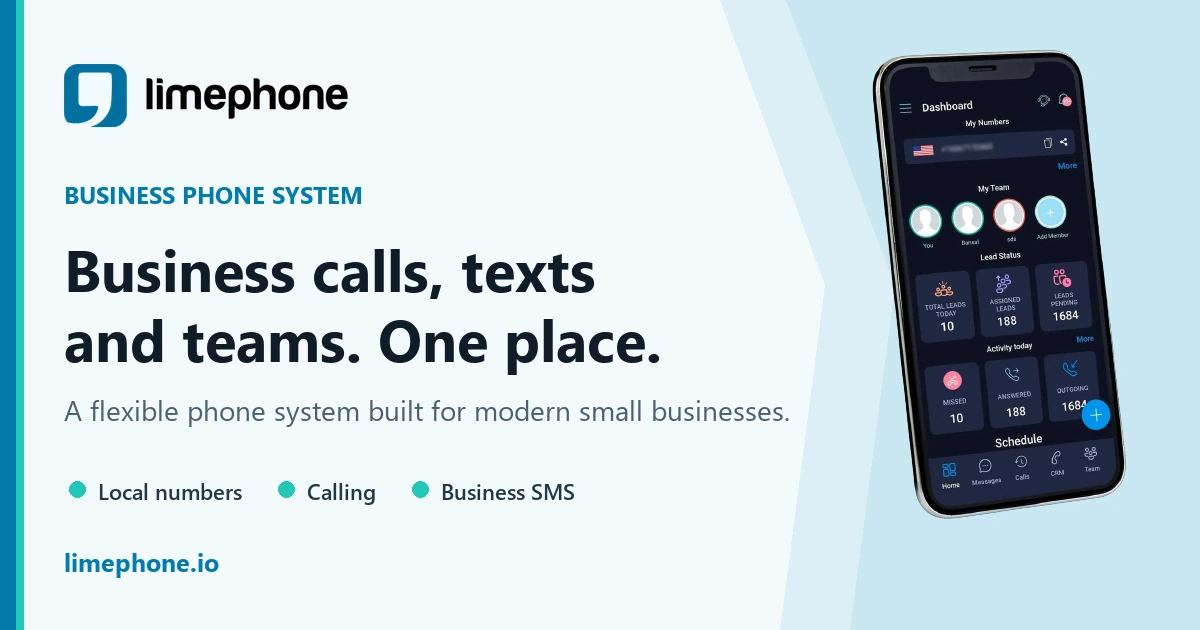
To get a virtual phone number, choose a cloud phone provider, search its available local, toll-free, mobile, or international inventory, complete any required verification, and configure how calls and messages should reach you. You can then use the number from a mobile app, computer, browser, or supported desk phone.
Before you pick a country, it is worth knowing what that country will ask you for. Some need nothing at all; others want proof of address or a business registration. The requirements for each country are listed in full.
This guide focuses on business use: keeping your personal number private, answering from anywhere, and building a reliable call flow that can grow with your team.
What is a virtual phone number?
A virtual phone number is not tied to one physical landline or SIM. A cloud phone system connects the number to users, devices, and routing rules. Depending on the provider and country, the same number may support voice calls, SMS, voicemail, call forwarding, and shared team conversations.
The number still looks like a normal phone number to customers. The difference is what happens behind it: an incoming call can ring an app, several teammates, an external phone, voicemail, or an AI receptionist.
How to get a virtual phone number in six steps
- Define the job. Decide whether the number is for sales, support, a second line, a new location, or international customers.
- Choose a number type. Pick local, toll-free, mobile-capable, or international based on customer expectations and required features.
- Compare providers. Check ownership, porting, SMS, routing, apps, security, support, and the complete cost.
- Search inventory. Look for a supported country, area code, and number type. Availability changes in real time.
- Complete verification. Submit accurate identity, business, or address documents where required.
- Configure and test. Set business hours, users, voicemail, routing, caller ID, and messaging before launch.
You can start with LimePhone's phone number checker. If customers already know your number, investigate porting it instead of changing it.
Which type of virtual number do you need?
- Local: Best for a recognisable presence in a city or region. Watch for local-address rules and area-code availability.
- Toll-free: Best for national sales or support. Watch for inbound usage charges and vanity-number inventory.
- Mobile-capable: Best for business calling and supported SMS. Watch for messaging registration and number-specific capabilities.
- International: Best for customers in another country. Watch for documentation, local-presence rules, taxes, and call rates.
What to look for in a provider
- Number ownership and porting: Confirm you can transfer an eligible number if you leave.
- Transparent costs: Include the plan, users, number rental, usage, taxes, registration, and add-ons.
- Voice quality and resilience: Test on the networks and devices your team actually uses.
- Calling workflows: Look for business hours, forwarding, queues, call menus, recordings, and voicemail.
- Messaging: Confirm SMS/MMS support for the exact country and number type.
- Team controls: Use individual accounts, permissions, shared history, and activity records.
- Security and privacy: Check authentication, encryption, data retention, and applicable compliance commitments.
- Support: Ask how number verification and porting problems are handled.
How much does a virtual number cost?
Virtual phone pricing usually combines a subscription, phone-number rental, and usage. Some plans bundle users, minutes, or messages; others charge separately. International, toll-free, forwarded, and AI-answered calls can have different rates.
Compare your expected monthly total, not just the advertised starting price. Review LimePhone's plans and call and SMS rates, and confirm the final checkout price for your country.
New number or port your existing number?
A new number is usually faster for a new business or campaign. Porting is preferable when an existing number appears on signs, directories, invoices, or customer contacts. Porting requires matching account information and carrier approval, so keep the old service active until the transfer completes.
Set up a professional call flow
Start with a short greeting and a clear destination. Route calls to the right person or team, define what happens when nobody answers, and use a dedicated after-hours path. Keep the number of menu choices small. Test transfers, voicemail notifications, caller ID, and mobile behaviour.
For a small team, a simple flow might be: business hours → ring two people → voicemail. A busier team might use call routing, departments, overflow rules, and missed-call follow-up.
Common mistakes
Do not choose a number solely because the area code looks attractive. First verify calling, SMS, porting, and documentation. Avoid sharing one login with a team, publishing an untested number, or cancelling the old provider before a port completes. Be cautious with services that do not explain number ownership or recurring charges.
Frequently asked questions
Can I get a virtual phone number instantly?
Some numbers can be provisioned quickly, but identity checks, local-address requirements, carrier review, or porting can add time.
Do I need a second phone?
No. Most virtual numbers work through an app or browser on devices you already own.
Can I use a virtual number for SMS verification?
Not reliably. Third-party services decide which number types they accept. A number that supports ordinary SMS may still be rejected for verification.
Can several employees share one virtual number?
Yes, when the provider supports shared numbers, routing, roles, and a shared conversation history.
Is a virtual number the same as a disposable number?
No. A business virtual number is intended to be a persistent customer contact point. Disposable numbers are temporary and are unsuitable for long-term business identity.
Reviewed July 2026. Availability, regulation, and carrier capabilities vary by country and number type.